Screenshots
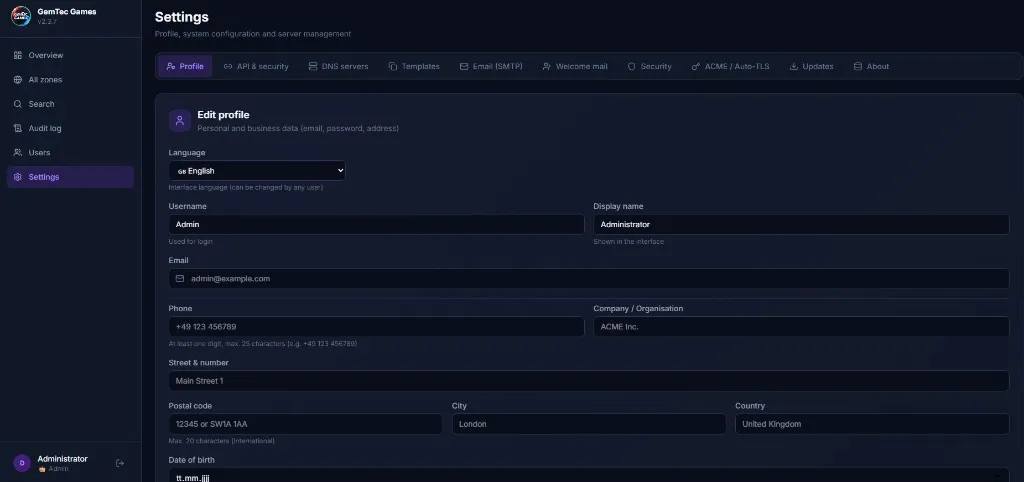
A look at the live panel. Want to contribute screenshots? File an issue or pull request.
Where images go
All screenshots live under src/assets/screenshots/ in this site. Drop a new file in there and reference it from this page (or whichever feature page fits) like:
---
import gallery from '../../../components/ScreenshotGallery.astro';
import myImage from '../../../assets/screenshots/my-image.jpg';

const shots = [
  { src: myImage, alt: 'What is shown', caption: 'Caption.' },
];
---
<ScreenshotGallery shots={shots} />
Astro optimises the image at build time (e.g. JPG → WebP); no manual resizing needed.